MI8OS app
Your secrets, on cards only you can open.
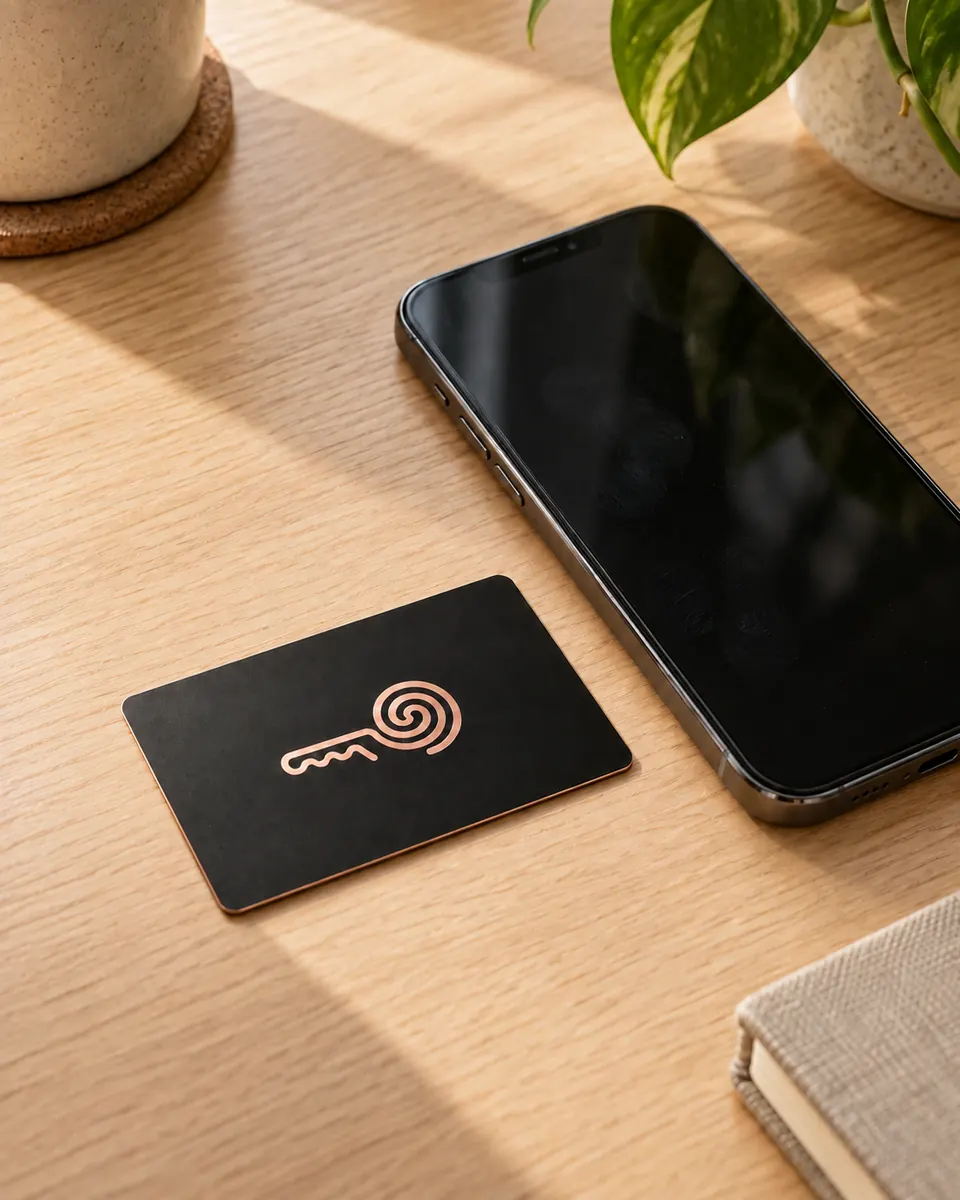
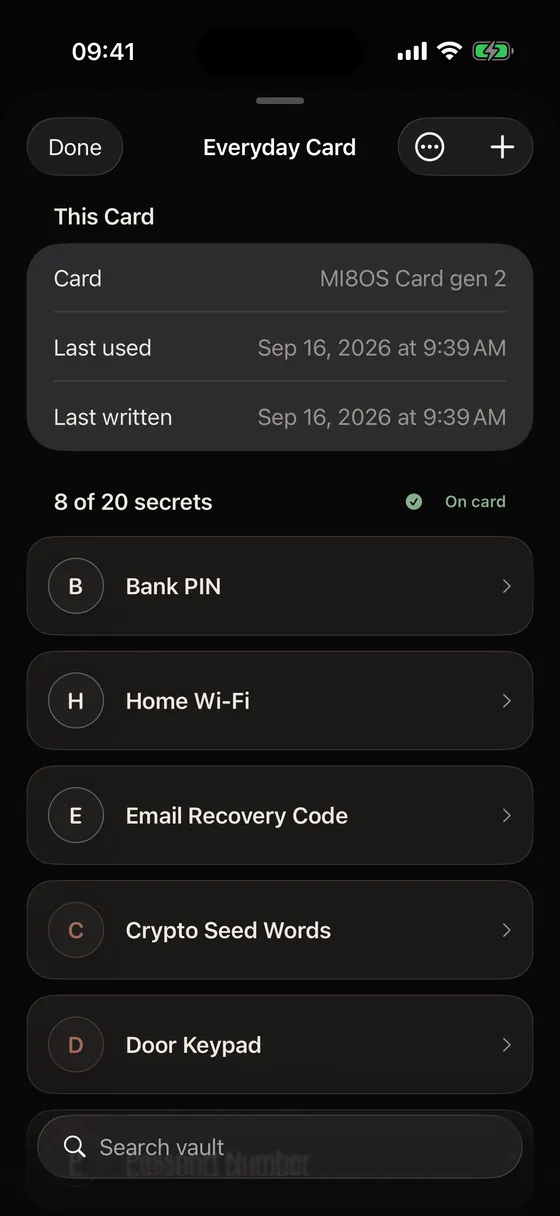
MI8OS keeps passwords, PINs and recovery codes encrypted on NFC cards you hold in your hand. No account, no cloud, no tracking.

 Android coming soon
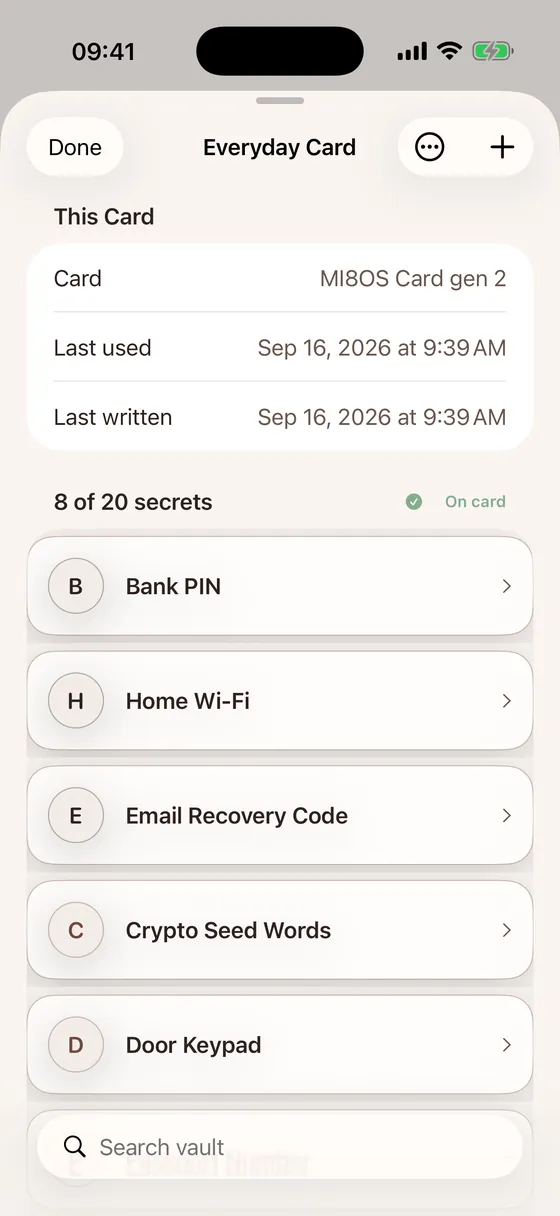
Encrypted before it leaves your phone
Your vault is encrypted on your phone, then written to the card. The card never holds your password or readable secrets.
No account. No cloud.
Nothing to sign up for and nothing to sync. Your vault lives on your cards only.
Backups you can hold
Write the same vault to more than one card and keep them in different places.
Your MI8OS card set
Ready in four steps.
-
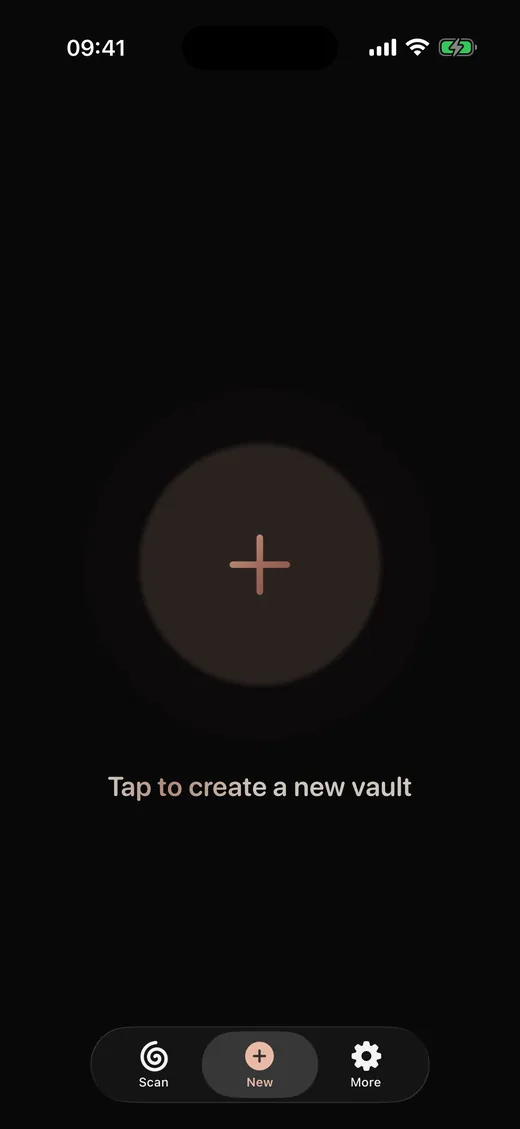
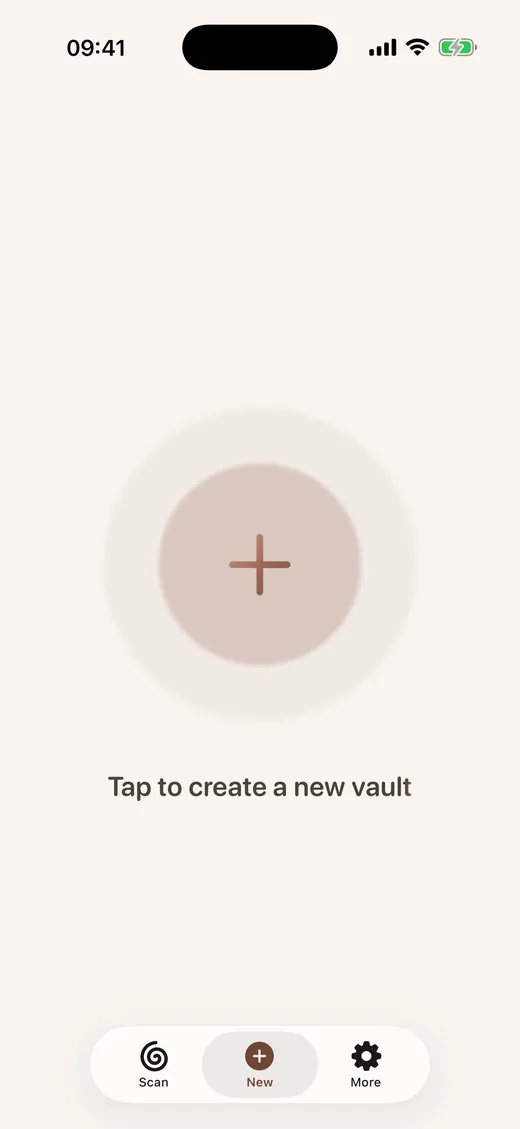
01
Download the MI8OS app
-
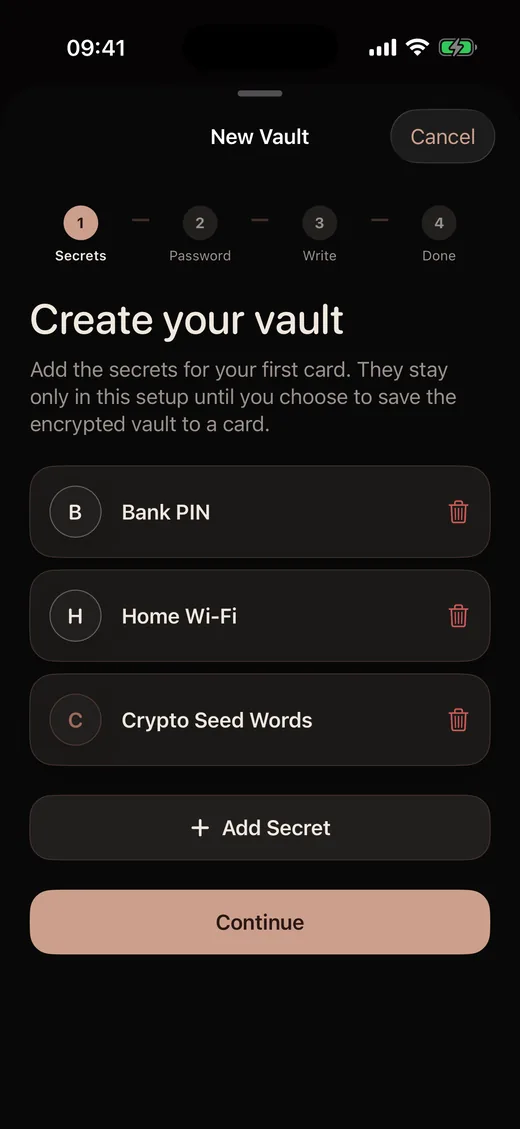
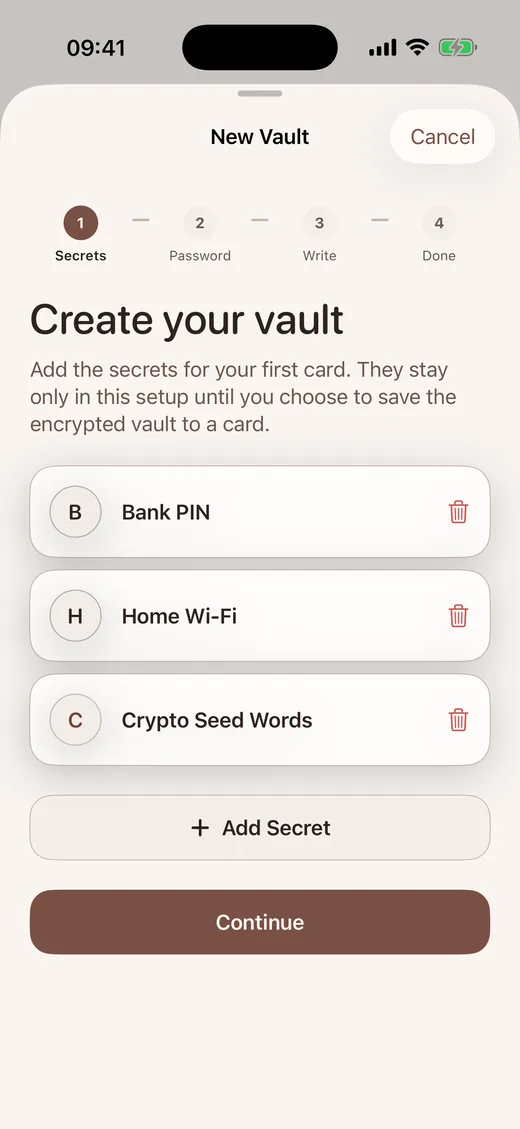
02
Create your vault
-
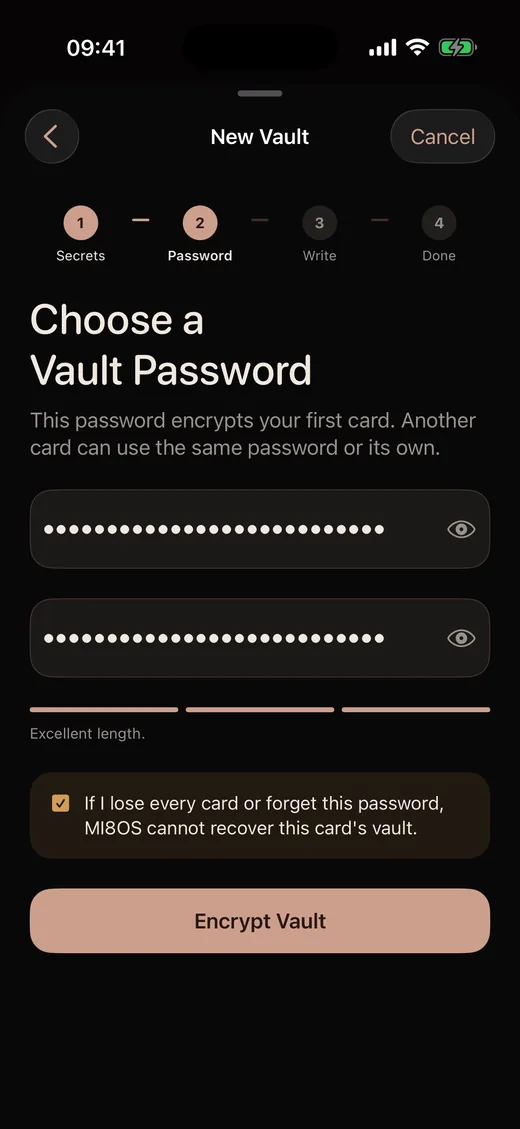
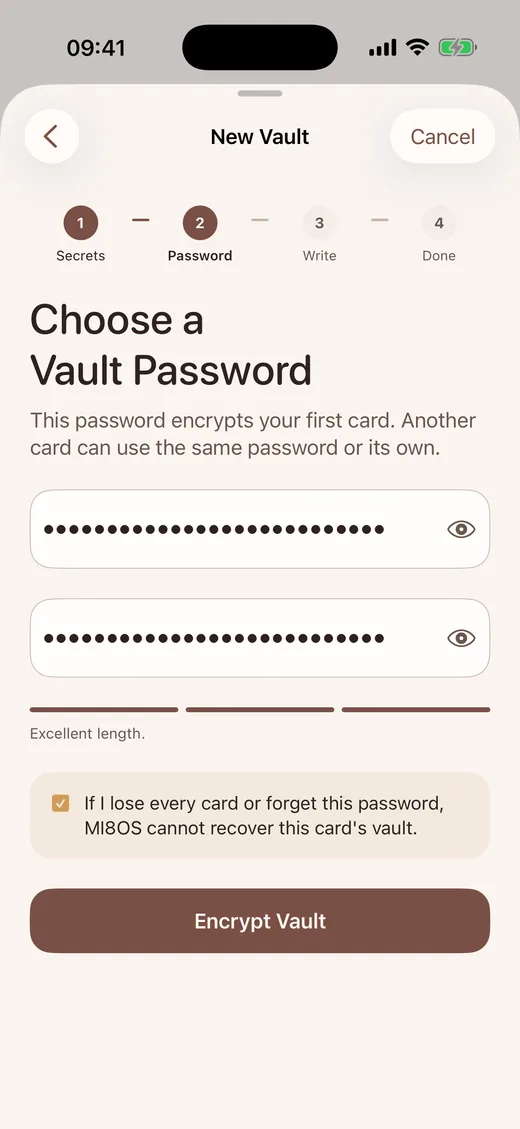
03
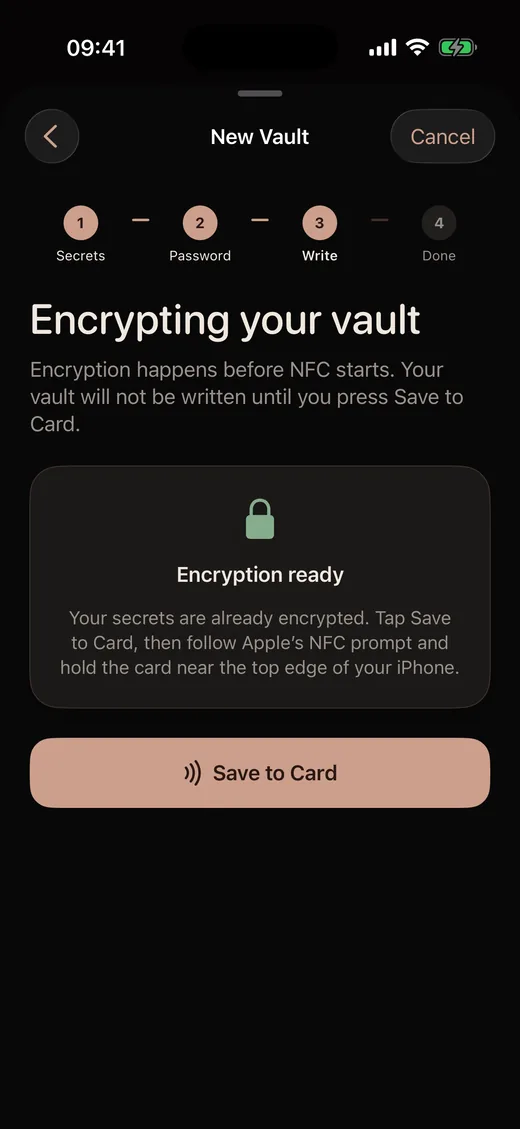
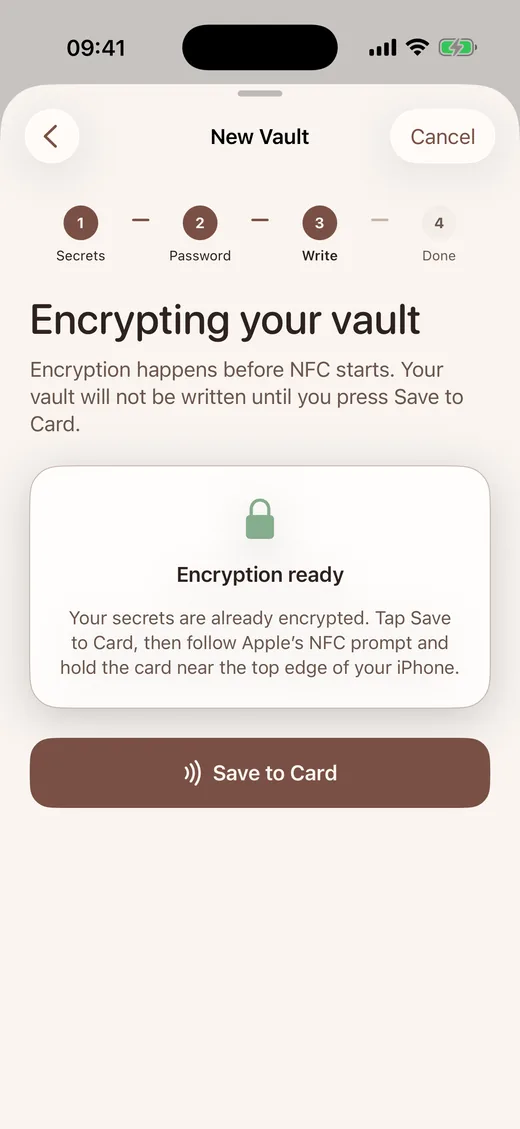
Encrypt your card
-
04
Save to your cards
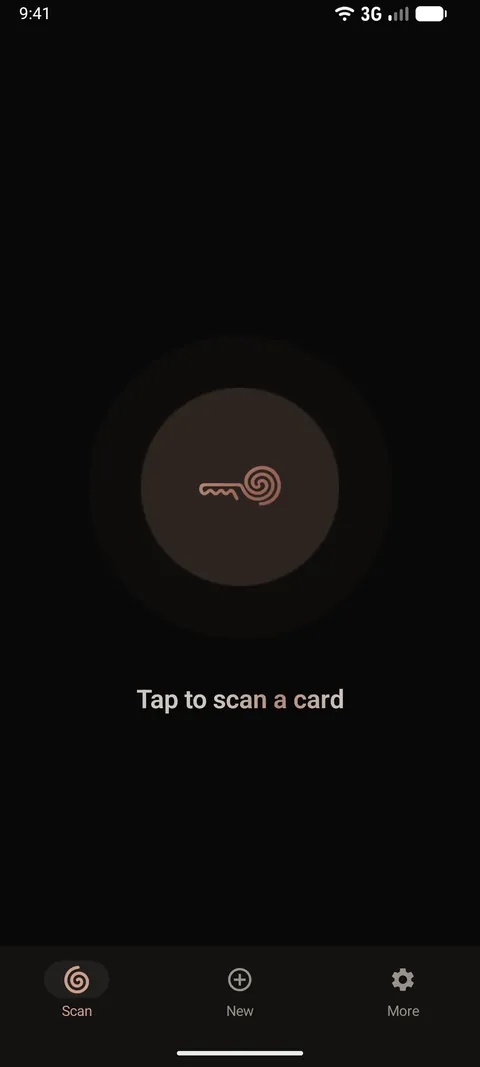
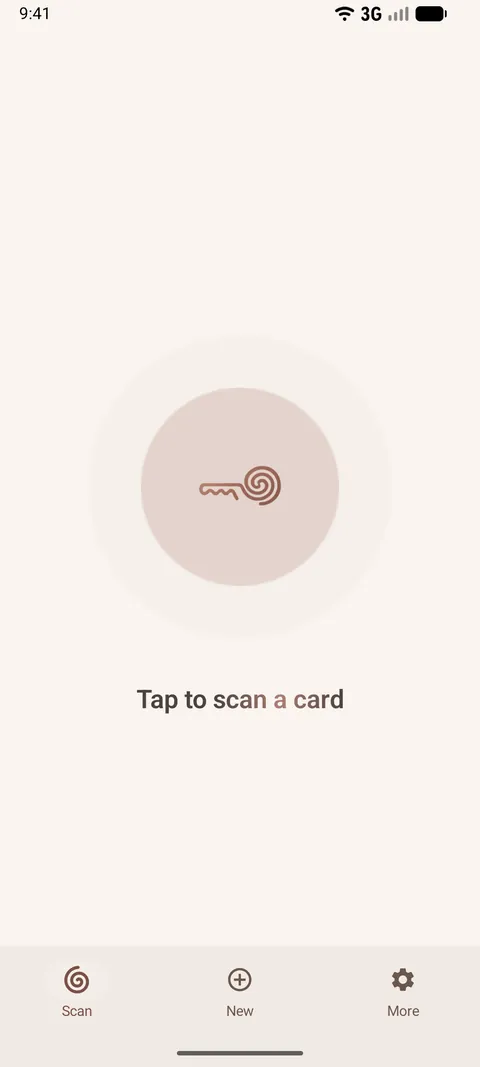
Inside MI8OS
I want to know more about how it works.
Our guide covers everything, from your first vault to exactly how your secrets are protected, down to the last byte. Free, as a PDF for your phone or your computer.
- Create and open a vault
- Manage, lock and reset cards
- Settings and App Lock
- Encryption, with a real example